Security and audit · Guide 4 of 7
Using two-factor authentication (2FA)
What two-factor authentication is and how to enable it for your Evocon account from your profile settings with an authenticator app.
Passwords alone can be vulnerable to breaches. 2FA adds an additional layer of security, ensuring that even if your password is compromised, intruders can't gain access.
With 2FA activated, you'll be prompted to provide two forms of identification when logging in. First, something you know (your password), and second, something you have (like a code accessed from an authenticator app). This means even if someone has your password, they can't log in without the second factor.
How to enable two-factor authentication?
-
Open your profile settings

-
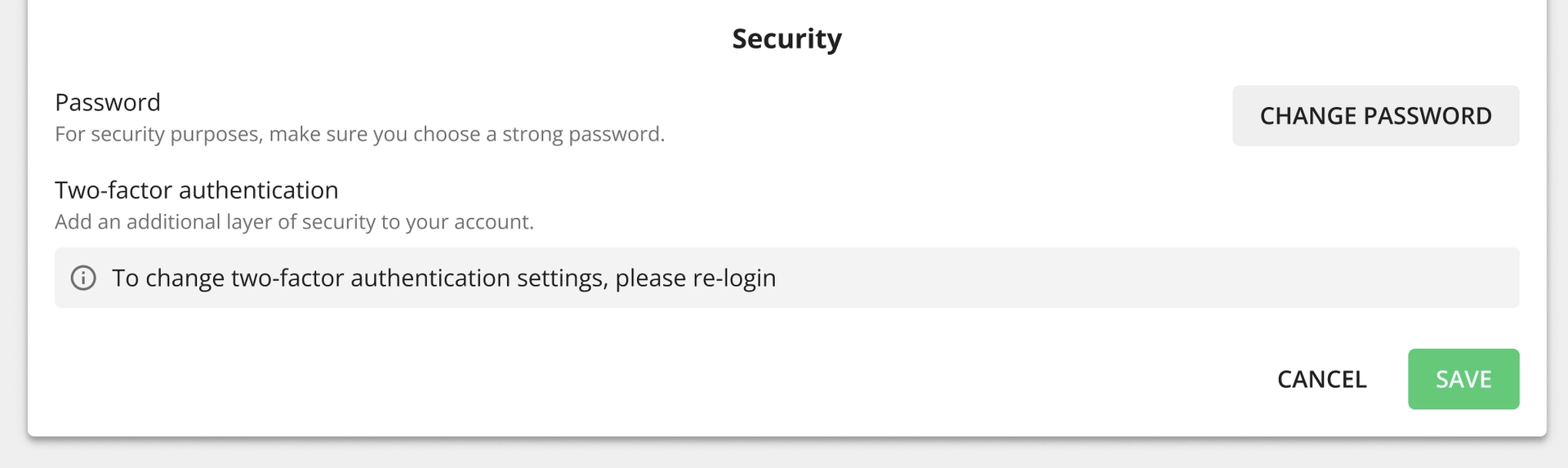
Under the Security section, click on the Two-factor authentication toggle to enable it:

- Please note that after some time, for security reasons, it is necessary to log out and back in to enable or disable two-factor authentication. A message with instructions will pop up if this is the case.

-
Set up the functionality by scanning the QR code and follow any instructions given in the authenticator app (i.e adding the account):