
Dashboards and Factory Overview · Guide 5 of 14
Filtering stations in Factory Overview
How to choose which stations Factory Overview shows, and how to filter the Live view by station status.
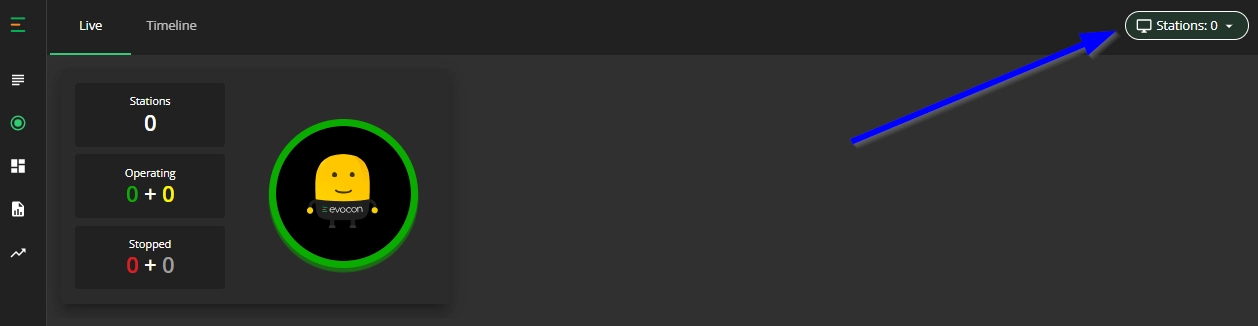
In Factory Overview you can select stations using the filter button in the top right corner and this selection is applied to both Live view and Timeline view.
Please note that selecting more than 20 stations may affect performance.
How to set the station filter?
-
Go to Factory Overview in Evocon, Live view is opened by default.
-
Click on the filtering section in the top right corner:
-
Mark all the factories (for multi-factory setup only) and stations you want to display. It is possible to select by station group or single stations, you can also use the "Select all" option to include all.
Live view "Status" filter
Live view also has the "Status" filter to view stations only in one or more specific statuses:
