
Support and what's new · Guide 8 of 13
What’s new in Reports?
New features of the Reports view: products on the X-axis, chart legend toggling, whole month on one page, Today/Yesterday saved ranges and table improvements.
On this page
Important: The old version of reports will be disabled
The possibility to use the old reports will be removed on the 8th of December.

Products on X-axis
One more addition to the list of options what you can put on the X-axis: Products.

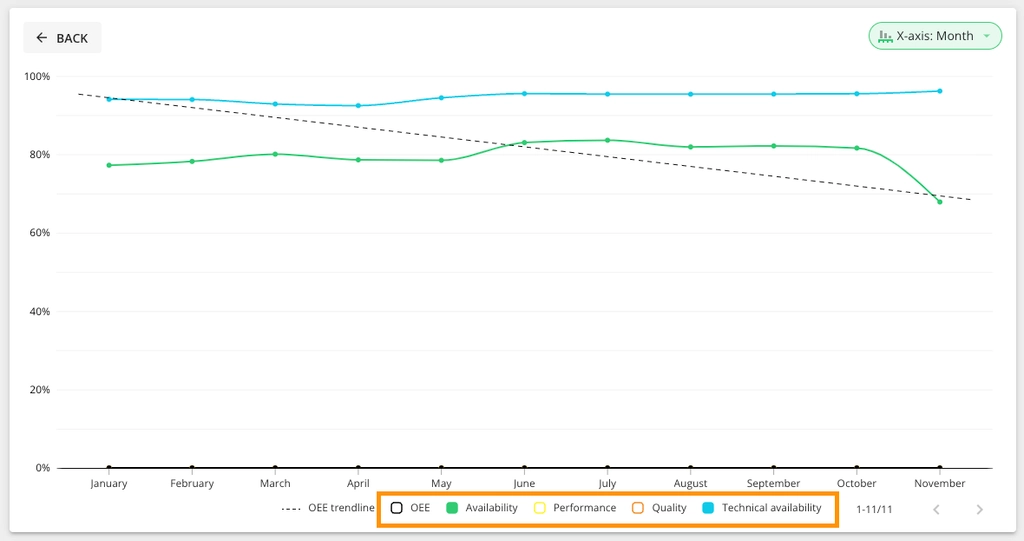
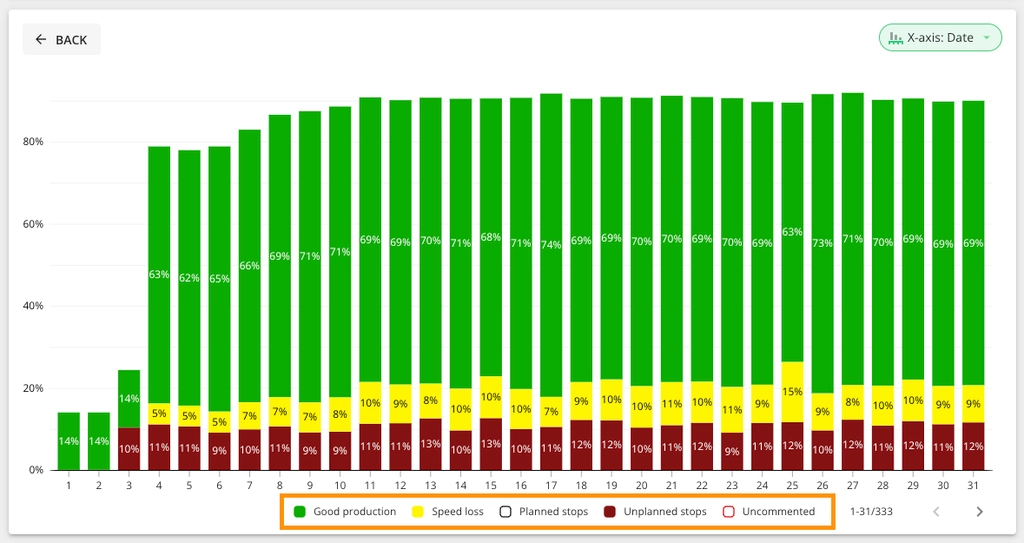
Toggling of chart elements
You can now click on the legend to hide or show parts of the chart.
The whole month on one page
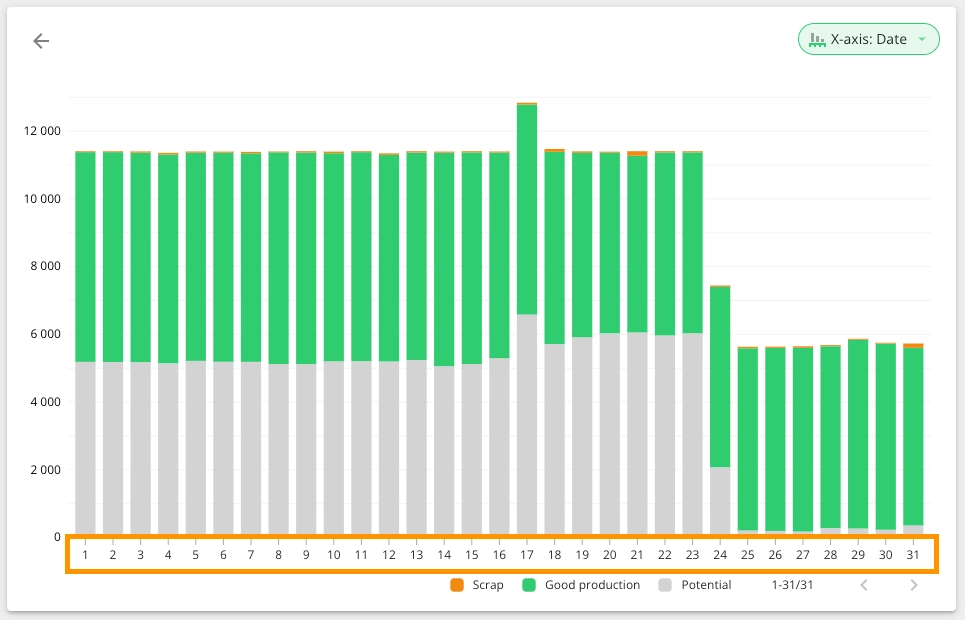
Charts have become more compact and the whole month fits on one page.
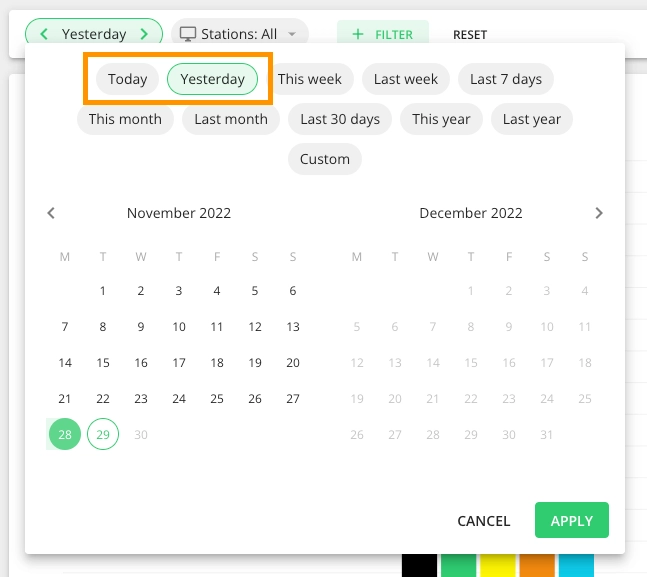
Save reports with rolling time range of “Today” and “Yesterday”
We added two new shortcuts in the calendar. This means that you can save reports which will automatically update every day to show you the report of today or yesterday.
Improvements to the table
There are a few improvements to how tables work:
- Now you can find definitions for terms used in the table
- You can choose how you prefer to see time values
- This menu was also a much better place to have the option to export the contents of the
