
Hardware and connectivity · Guide 7 of 15
Hardware - Evocon IIoT device 3 - Analogue input calibration guide
Step-by-step calibration of the analogue input (Input 3) ADC of the Evocon IIoT device 3 using the S301 and S400 buttons, and how to check the result in the CLI.
The device ADC has to be calibrated for precise voltage measurements.
The process is as follows:
-
Open the device cover and power the device on with the supplied power adapter.
-
Connect 0V to input 3 by either
-
removing voltage source from the M12 connector and connecting Pins 3 & 4 of Input 3 using a M12 connector. Input 3 jumper must be in place (P405 bridged) if internal 0V is used.

-
or by connecting external 0V between pins 3 & 4. Remove Jumper of Input 3 if you are using external 0V for calibrating!
Hardware - Evocon IIoT device 3 - How to connect an analog signal
-
-
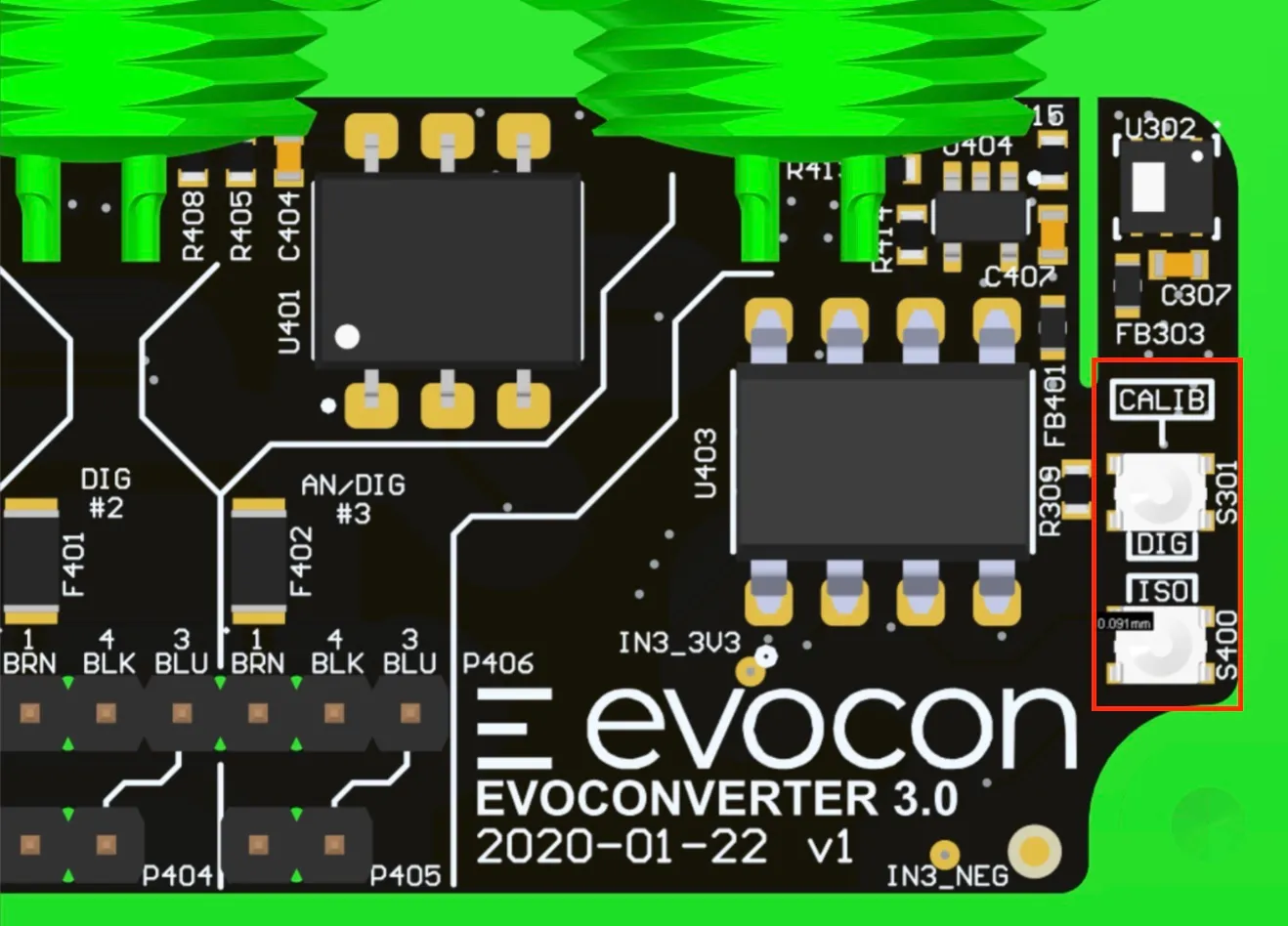
You will find 2 buttons on the PCB board that have to be pushed for the calibration procedure. These are marked as S301 (upper) and S400 (lower) on the board (also there is the text CALIB above them)
-
Make sure the device has been powered on for at least 1 minute.
-
Press and hold S400 (lower button in picture) with a screw driver or a pen
-
Press and hold S301 (upper button in picture) with a screw driver or a pen
-
Release S301 (upper button in picture)
-
Wait for at least 1 second
-
Release S400 (lower button in picture)
-
ADC is now calibrated
- If you have CLI access, you should see "Hardware: CALIBRATION CONSTANT: x.xxxxxxx"
- alternatively, you can write to [email protected] and ask us to check if the calibration was successful. (We can only see it if the device is online).
-
If you did not remove the jumper at step 2, remove the P405 jumper now to make sure that the 0V of the analogue signal and 0V of the Evocon device are isolated.
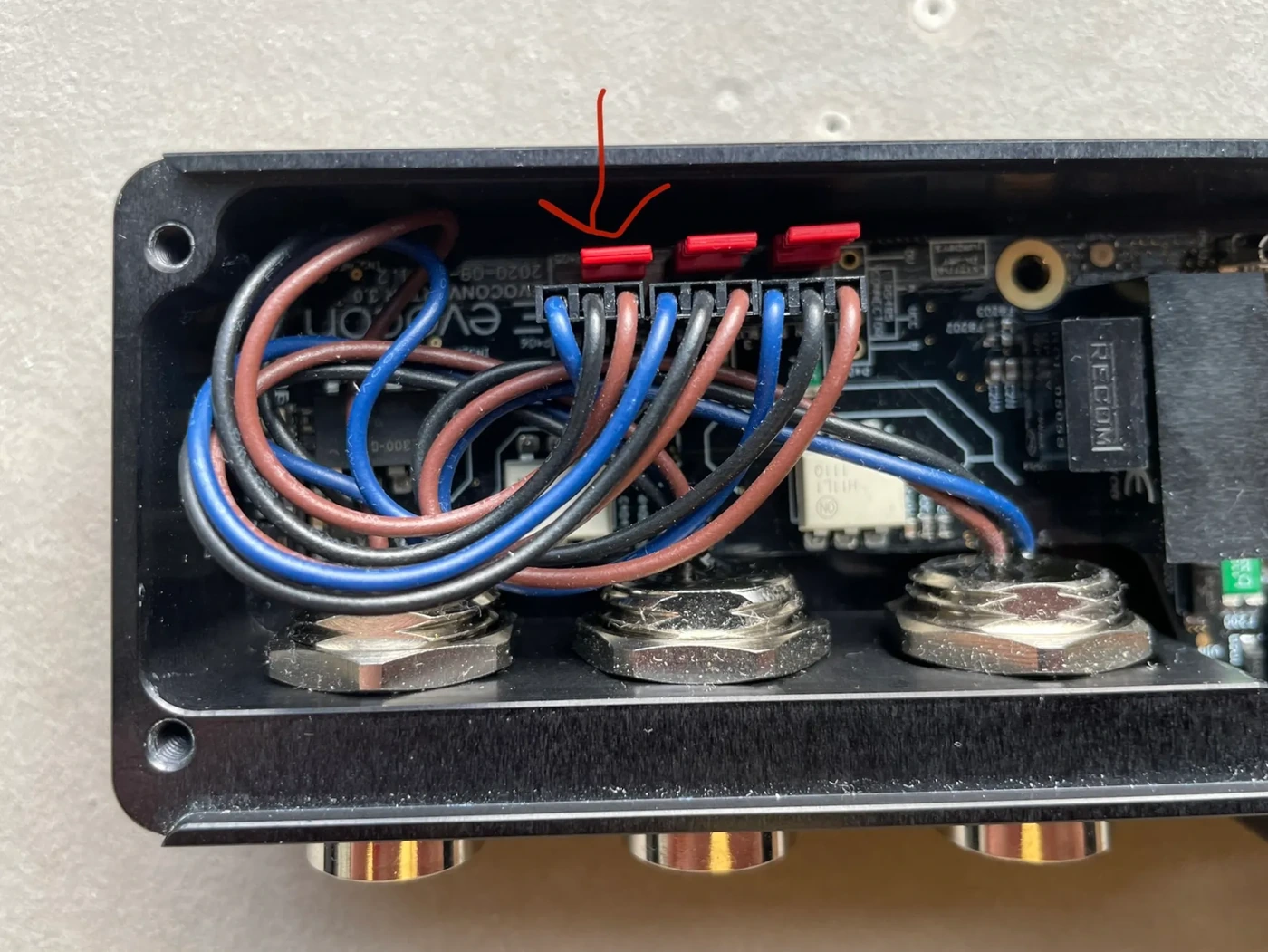
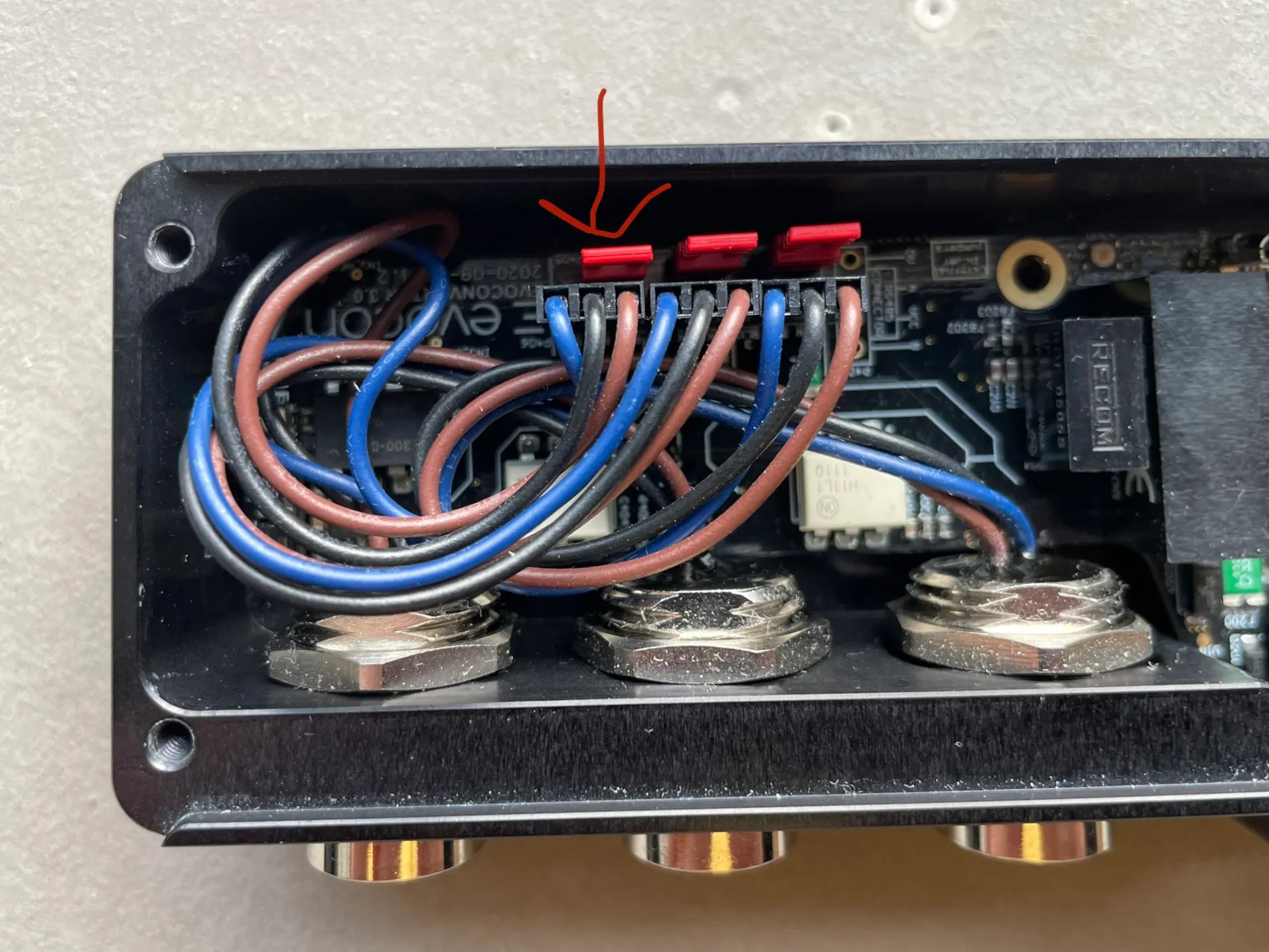
If you have CLI access you can also check the result of the calibration
- To test the calibration process send command
adcto CLI and you should see- For NOT calibrated device:
- OFFSET is 0
- CONSTANT is 1.0
- ADC VAL around few hundred
- For calibrated device:
- OFFSET is around 320
- CONSTANT is NOT 1.0. (example: 0.068505)
- ADC VAL around 0
- For NOT calibrated device:
PS! If S400 is not held down when releasing S301, a warning message appears in CLI:
ADC CALIBRATION SEQUENCE STARTED WITHOUT SECOND BUTTON: 318 < 500